
Color Changer
Tools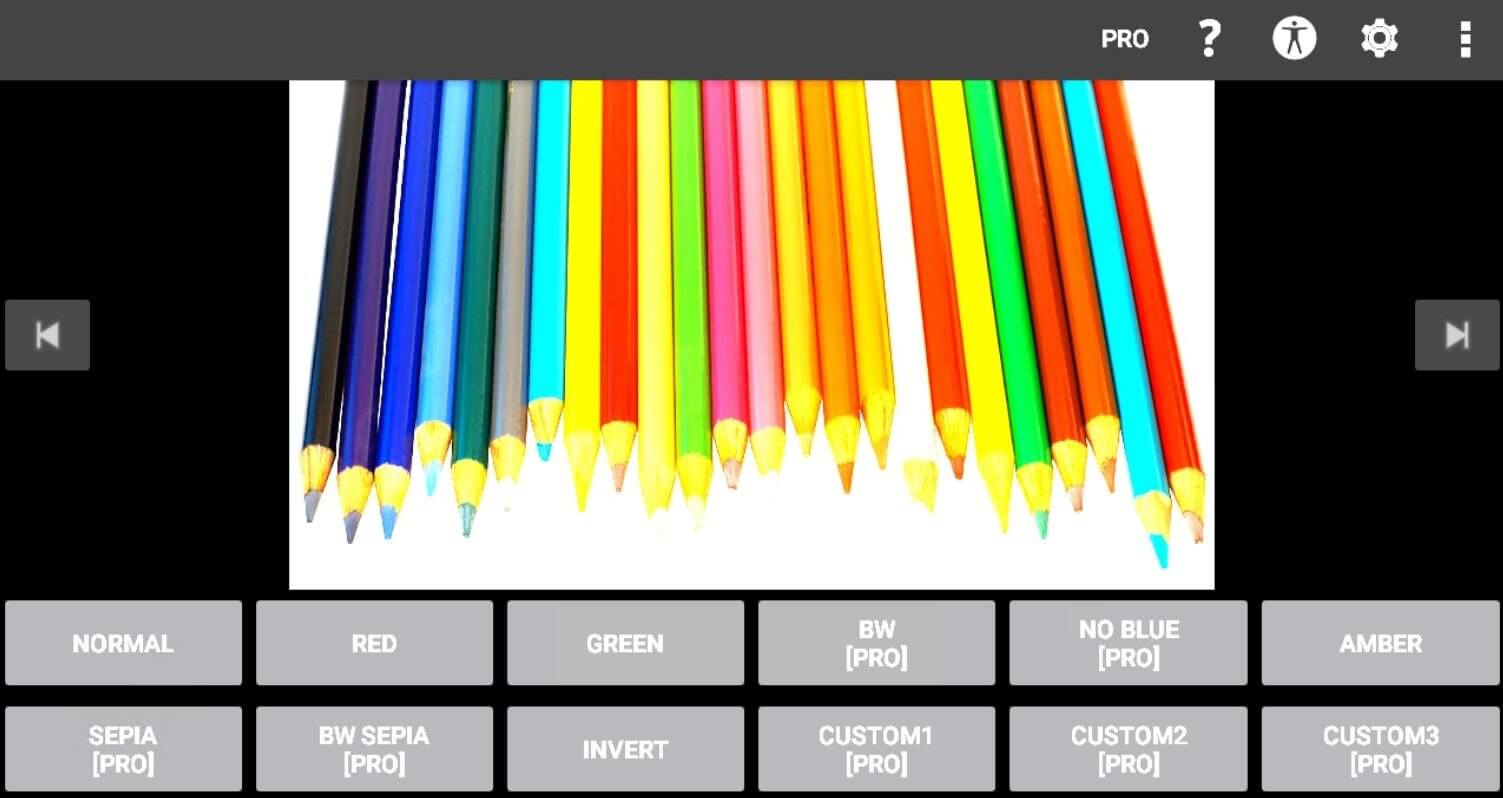
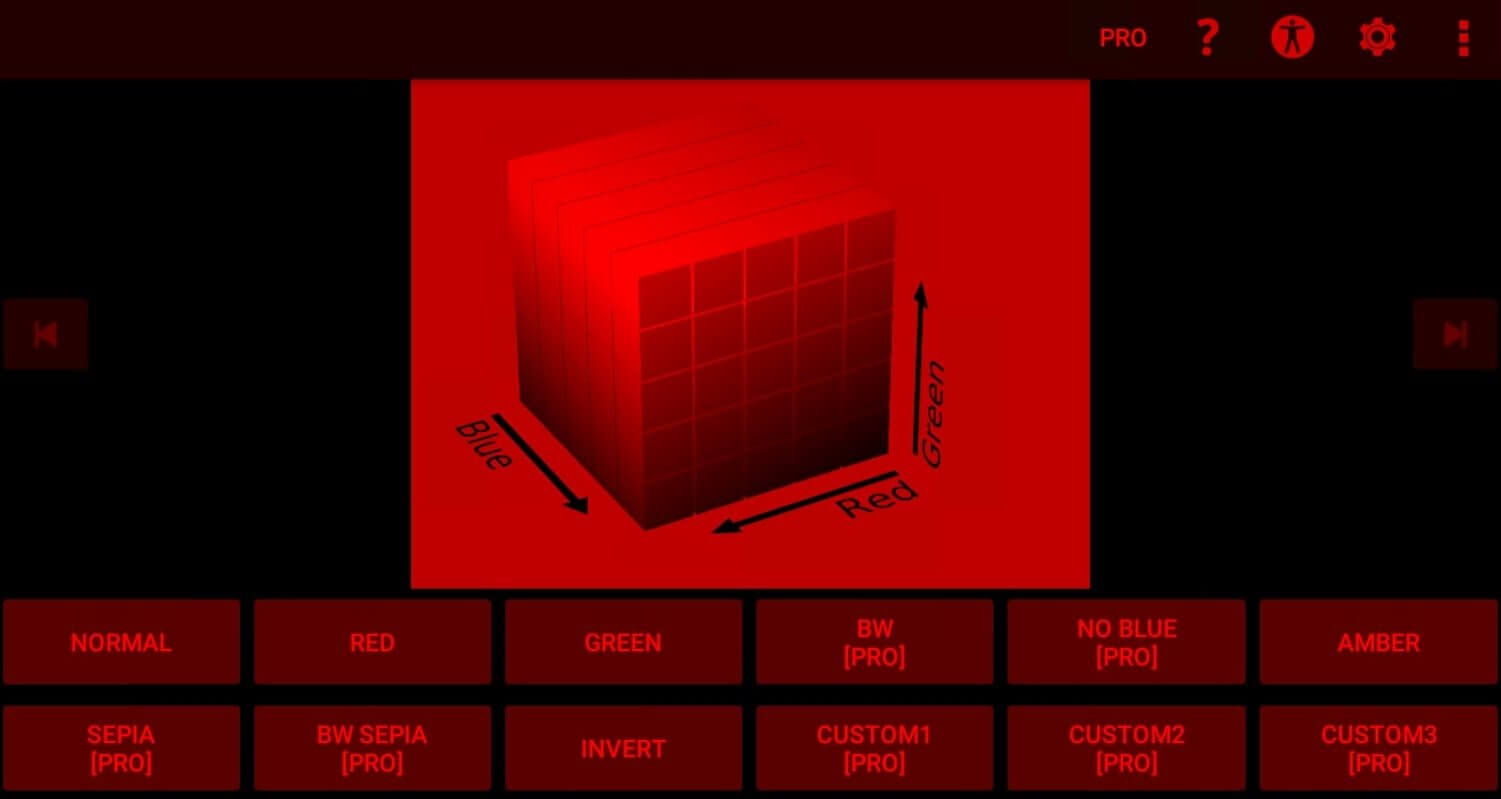
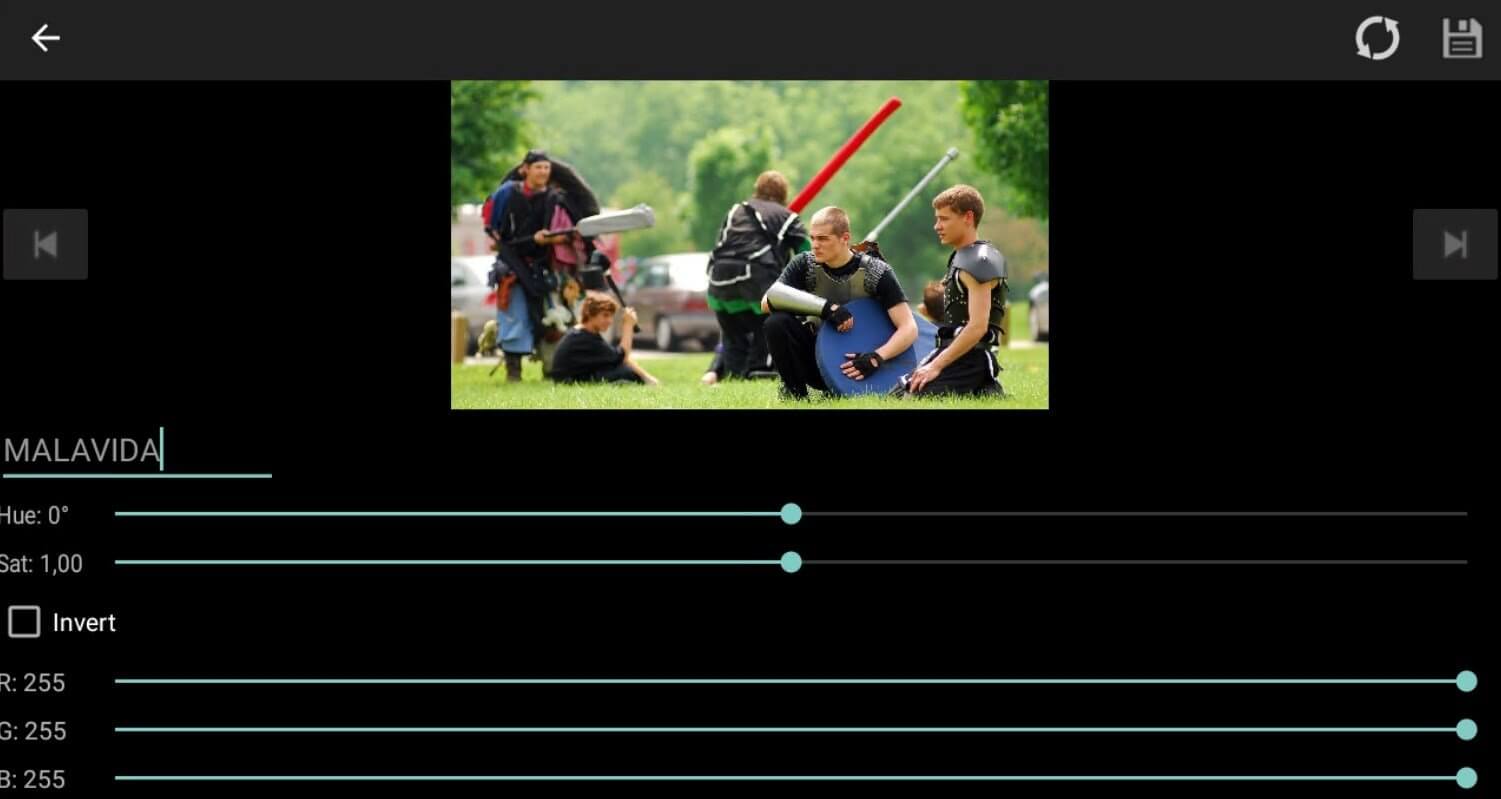
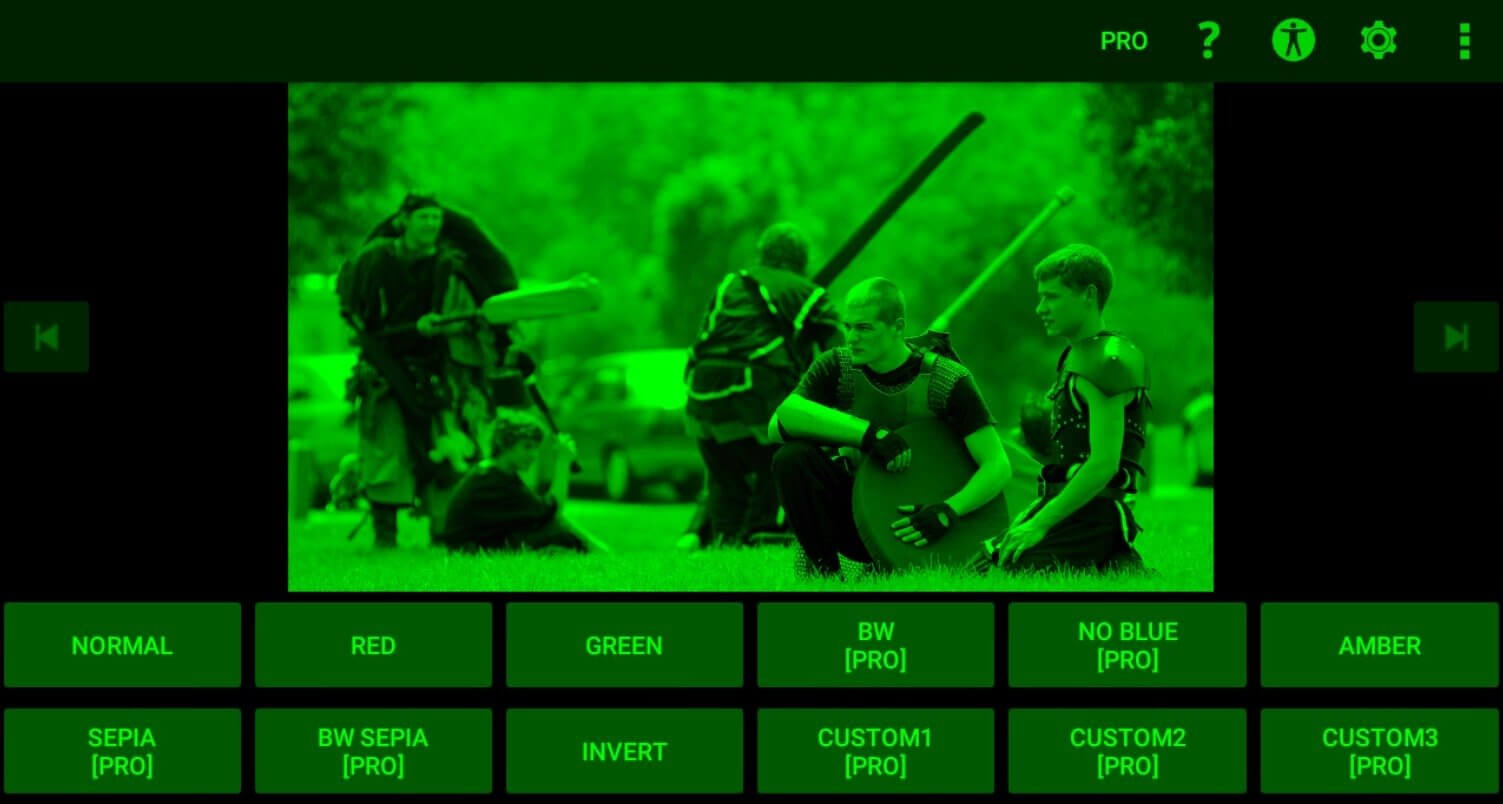
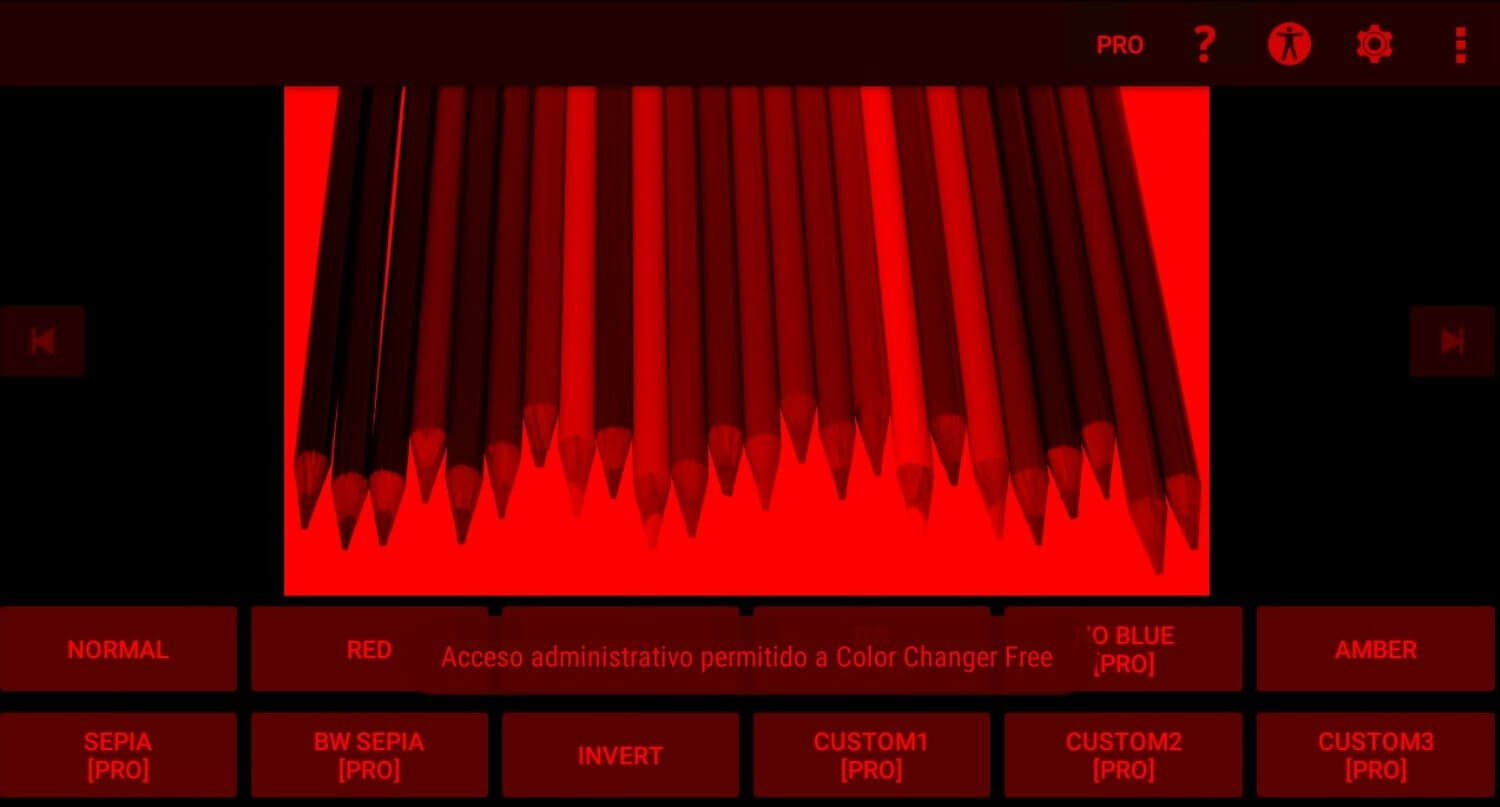
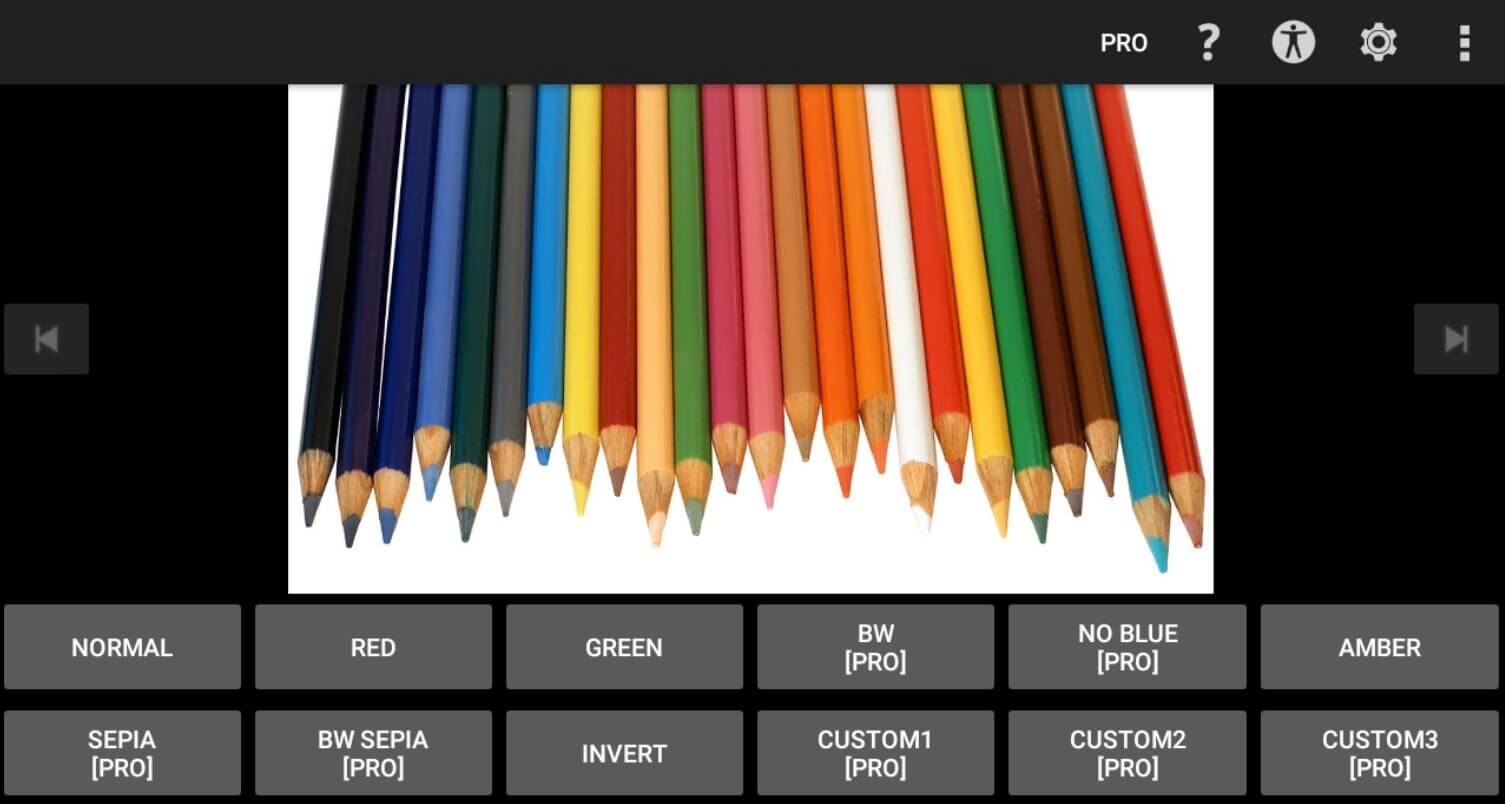

Color Changer is a lightweight Android utility that lets you recolor photos with just a few taps. Whether you want to adjust the hue of a sky, change a shirt’s shade, or experiment with creative color palettes, the app provides a quick and intuitive interface.
This page covers the essential details, installation steps, common issues, and safety considerations for the latest 1.36 release.
Quick Information
| App/Game Name | Color Changer |
| Latest Version | 1.36 |
| Developer | Not listed |
| Category | Apps / Tools |
| App Size | 1.04 MB |
| Package Name | mobi.omegacentauri.red |
| Last Updated | 3 July 2026 |
What Is Color Changer?
Color Changer focuses on simple color manipulation rather than full‑blown photo editing. After selecting an image, you can tap on any area to apply a new color, preview the change in real time, and save the result. The tool is aimed at casual users who need fast color tweaks without the learning curve of professional editors. It does not offer advanced features such as layers, filters, or text overlays.
Compatibility
| Android Version | Not Verified |
| Architecture (ARM64 / 32-bit) | ✓ Verified — Supports common device architectures |
| Internet Connection | ✓ Verified — May be required for ads, updates, or login |
| Storage Needed | Not Verified |
| OBB/Data Files | Not Verified |
| Root Required | Not Verified |
How to Install
- Download the Color Changer APK file to your device.
- Open Settings → Security (or Privacy → Install unknown apps) and enable installation from the source you used (browser, file manager, etc.).
- Locate the downloaded
ColorChanger.apkin your file manager and tap it. - Follow the on‑screen prompts to complete the installation.
- Once installed, open the app, grant any requested permissions (e.g., storage access), and start editing your photos.
Troubleshooting
- App not installed: Ensure you have enabled installation from unknown sources and that the APK is not corrupted. Re‑download the file if necessary.
- Crashes on startup: Verify that your device runs Android 5.0 or higher. Clearing the app cache or reinstalling may help.
- Color changes not applying: Make sure the app has storage permission to read and write images. Restart the app after granting permissions.
- Login or online‑auth issues: Color Changer does not require an online account; any prompt for sign‑in is likely from a third‑party ad or analytics component.
Safety & Security
Because this is an APK downloaded outside the official Play Store, you should verify the source before installing. Check the file’s hash if the provider supplies one, and review the permissions the app requests. Avoid entering personal or financial information within the app, as unofficial builds can embed unwanted trackers.
How Color Changer Compares
| Feature | Color Changer | Snapseed | Adobe Photoshop Express | PicsArt |
|---|---|---|---|---|
| Price / Free model | Free (no in‑app purchases) | Free with optional paid filters | Free with subscription for premium tools | Free with ads; premium subscription available |
| Platform availability | Android only | Android & iOS | Android & iOS | Android & iOS |
| Standout feature | One‑tap color replacement | Professional‑grade filters and selective adjustments | Integration with Adobe Creative Cloud | Extensive collage and sticker library |
| Best for | Quick, simple color tweaks | Detailed photo editing | Creative workflows with Adobe ecosystem | Social‑media graphics and fun edits |
Alternatives
- Snapseed – Offers a full suite of editing tools, including selective color adjustments, with a polished UI.
- Adobe Photoshop Express – Provides powerful editing features and cloud sync for users already in the Adobe ecosystem.
- PicsArt – Focuses on creative overlays, stickers, and collage making, plus basic color editing.
Final Verdict
Color Changer is a solid choice if you need a fast, no‑frills way to alter colors in photos without dealing with complex menus. Its tiny footprint (1.04 MB) and straightforward interface make it ideal for casual tweaks. However, it lacks advanced editing capabilities, so power users may prefer more feature‑rich tools like Snapseed or Photoshop Express. Verify the APK source, grant only necessary permissions, and you’ll have a handy color‑changing tool on your Android device.
Frequently Asked Questions
The APK is safe when downloaded from a reputable source, but always verify the file’s hash and review the permissions it requests before installing.
Color Changer works on Android 5.0 (Lollipop) and newer.
No, the core color‑changing functions work offline; an internet connection is only needed for downloading the APK or optional updates.
No, the app is limited to still images and does not support video editing.
Make sure you have enabled installation from unknown sources and that the APK file is complete and not corrupted. Re‑downloading the file often resolves the issue.
If a Play Store version exists, uninstall it first to avoid conflicts, then install the APK.
Older versions may be found on archive sites, but using them can expose you to security risks and compatibility problems.
No, the app works on standard (non‑rooted) Android devices.